
New in Telegram: Bot API 10.4Telegram bot widgets:
Telegram bot widgets:
interactive UI inside the message
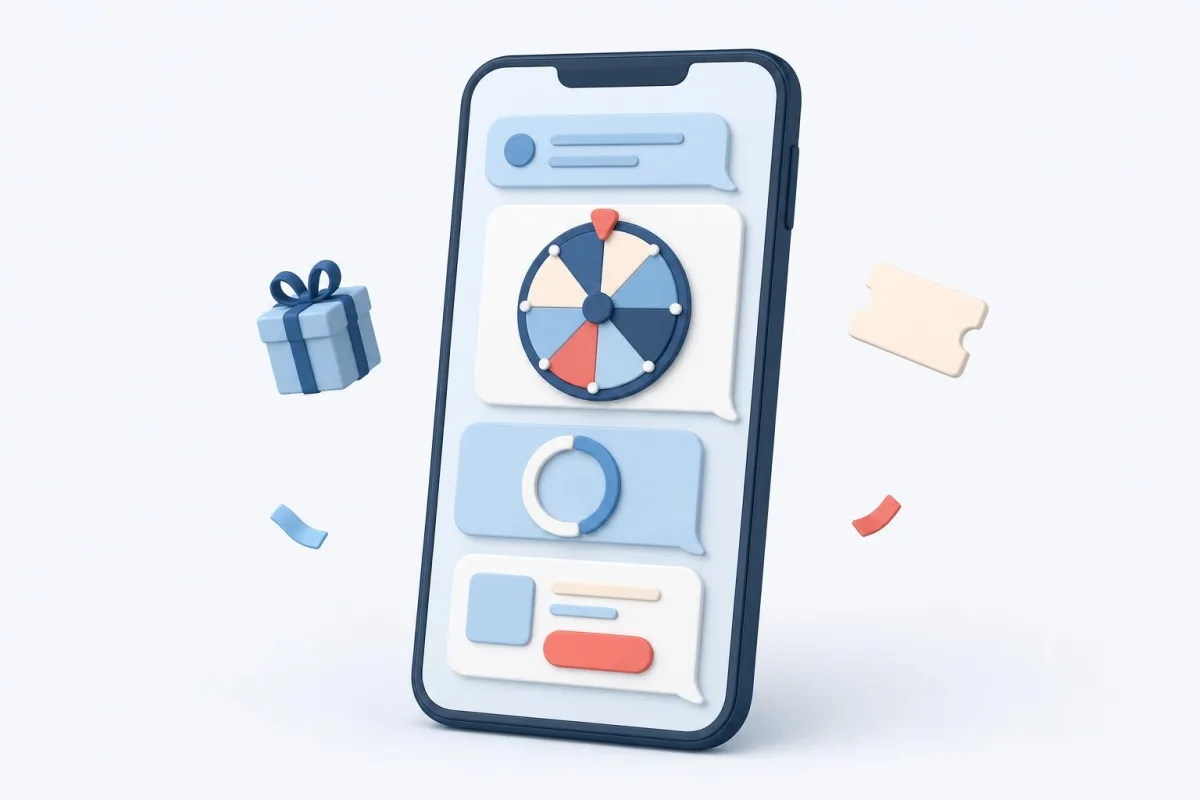
A Telegram bot widget is a small interface right inside a message bubble: buttons, a promo code copied with one tap, a ticking timer, an FAQ, a prize wheel or a quiz. Telegram added these messages in Bot API 10.4 on November 9, 2026, and on CHATBOSS.PRO the Widget block sends them: pick a preset, write the texts, and taps move the flow along its branches — no code and no separate window like a mini app. Widgets work in a private chat with the bot in recent Telegram versions.
A card with buttons, a tap-to-copy promo code, a ticking countdown, a prize wheel and a quiz — inside the message bubble, with no separate window. In the builder it is one Widget block with ready-made presets. Try them below: the widgets on this page are real.
Author: Pavel Sedov, founder of CHATBOSS.PRO · Updated: November 10, 2026
Coffee shop bot
This is a real widget. Here the page answers for the bot; in Telegram, your flow does.
Live demos: tap away
Ready presets
6 + custom
Works in
Telegram DMs
Code
not needed
Extra fee
$0
What does a plain bot message lack?
A plain message is text with buttons under it. Anything alive — a timer, a game, copying — has to be described in words or moved to a separate window.
Promo codes need finger-selecting
A code in the text gets copied with extra characters or not at all. In a widget it is a button: one tap puts it in the clipboard and shows "Copied".
A deadline is just a date
"Until 8 pm" makes people do math and put it off. A timer ticking inside the message shows how much time is left at a glance.
A game turns into ten messages
A three-question quiz in a plain bot is six messages back and forth. In a widget the questions flip inside one bubble and the result takes their place.
What is a widget and what can the Widget block do?
A widget is an HTML interface inside a message: Telegram draws it in the bubble, and the bot writes the state — the choice, the prize, the quiz result — back into the same message. In the builder the Widget block sends it; the platform builds the HTML, you fill in texts and buttons.
Six ready presets and custom HTML
Card, promo code, countdown, FAQ, prize wheel and quiz. Need your own look — use the Custom HTML preset or describe it in words and AI builds the widget.
Three kinds of buttons
A flow branch (each with its own block output), a link and "copy text" — up to six buttons. After a branch tap the chosen button lights up and the others fade.
Live preview and size check
In the block settings the widget responds to taps just like in the chat, in light and dark themes. A bar under the preview shows whether it fits Telegram limits.
A fair wheel and quiz
The bot picks the wheel prize by sector odds and scores the quiz by your correct answers. One spin per message, and a sector can lead to its own branch.
A fallback if the widget fails
If the widget cannot be sent, the bot sends the caption as a regular message and the branch buttons as a keyboard. The flow keeps going.
Where it works and where it does not
Telegram only, private chats with the bot only, in a recent app version; older apps show the caption. Widgets have no input fields and no images loaded by URL.
How is a widget different from a mini app and plain buttons?
A widget lives in the message and fits one action: tap, copy, spin, answer. Choosing among many products with photos is a job for a mini app; a simple fork is a job for plain buttons.
Widget inside the message | Mini app window over the chat Telegram mini app builder → | Plain buttons under the message | |
|---|---|---|---|
| Opens | right in the message, no navigation | a separate window over the chat | buttons under the message text |
| Can do | buttons, tap-to-copy codes, timer, FAQ, wheel, quiz | storefront with photos, cart, checkout | go to a branch or a link |
| Result | stays in the same message: choice, prize, quiz score | an order in the Orders tab | the reply comes as the next message |
| Input fields | none, buttons only | quantity in the cart | none, input comes in the next block |
| Images | embedded only, URLs do not load | product photos | as a separate message |
| Version | recent; older apps show the caption | with mini app support | any |
Which business flows run on widgets?
Flows where a person needs one quick action right now: grab a discount, beat a deadline, play, answer. The widget keeps that action in the message, and the bot flow carries on.
Offer with a timer
A discount for an hour after the first message or until a sale ends: the timer ticks in the bubble, and Reserve leads to payment or booking. When time is up, your text replaces the digits.
Tap-to-copy promo code
A code for signing up, subscribing or leaving a review: big, with a copy button. Nobody has to select it with a finger, and it does not get lost in a long text.
Prize wheel for subscribing
The Channel subscription block checks the subscription, the widget lets people spin. The bot picks the prize by odds and passes it down the flow; the top prize sector can lead to its own branch.
Product-matching quiz
Up to seven questions flip in one message. The bot counts the score, and a Condition block after the widget leads to the right product, course or discount.
FAQ
Delivery, payment, returns — as expandable items in one message. People find the answer themselves, and the manager stops answering the same thing.
Order card with buttons
Order contents and total, Pick up and Deliver buttons, a link to directions. The choice stays marked in the message, so an hour later you can see what was tapped.
Telegram shop bot →How do you build a widget in the builder?
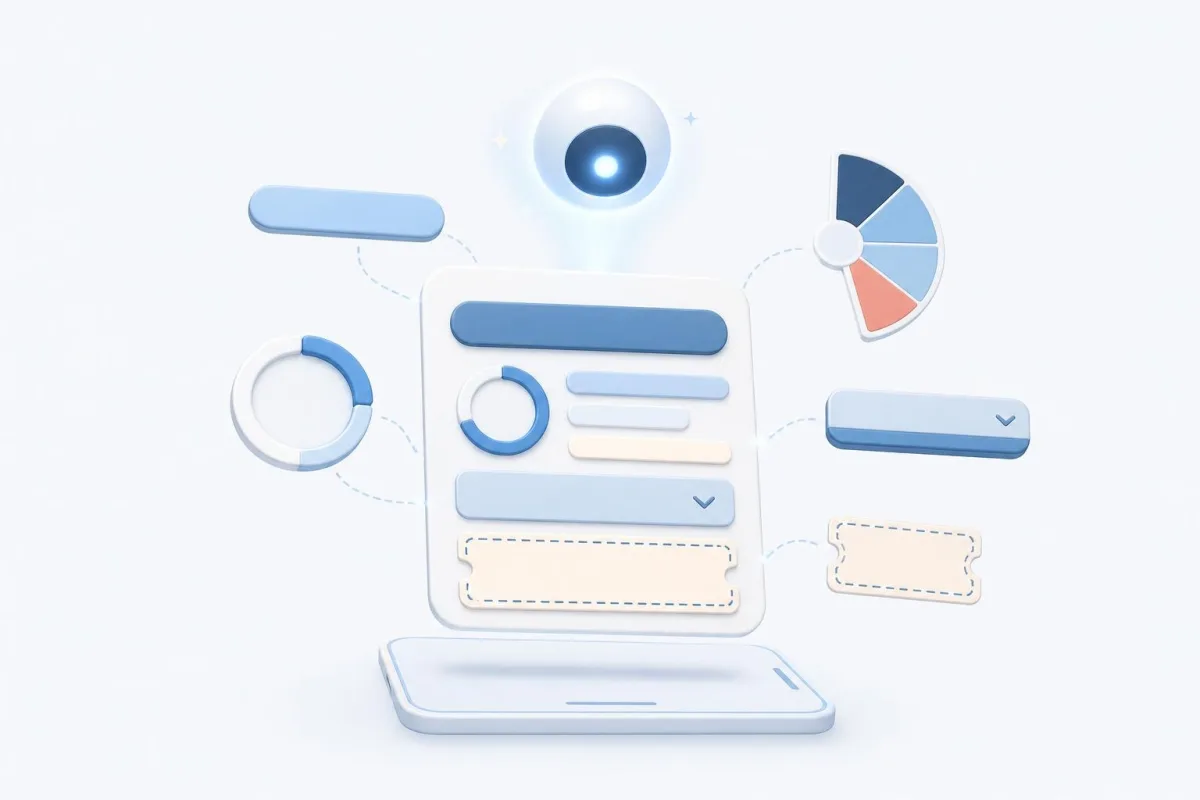
The Widget block in the editor, a ready preset and your texts. For your own design, describe it in words: AI builds the widget and the preview shows it before it goes live.
Step 1
Add the Widget block to the flow
The block is in the Telegram bot editor alongside the other flow blocks. Telegram is the only messenger that supports widgets.
Step 2
Pick a preset and fill in the texts
Caption, title, text and buttons; a code for the promo, minutes or a date for the countdown, sectors and odds for the wheel, questions and correct answers for the quiz. The preview responds to taps like the chat.
Step 3
Want your own look — describe it
Tell what the widget should contain, and AI builds its HTML within Telegram limits. You see the result in the preview and can adjust it in the Custom HTML preset.
Step 4
Connect buttons to branches
Each branch button has its own block output. A tap moves the flow on, the button label arrives in {{previous.text}}, the wheel prize and quiz score in {{previous.raw}}.
Telegram bot widgets FAQ
What is a Telegram bot widget?
A message in which the bot shows a small interface: buttons, a timer, a promo code, a prize wheel, a quiz. The message type arrived in Bot API 10.4 on November 9, 2026; on CHATBOSS.PRO the Widget block sends it.
How is a widget different from a mini app?
A widget lives in the message itself and fits one action. A mini app opens as a window over the chat with a storefront, photos and a cart.
What does someone with an older Telegram app see?
The message caption — it is required, so write it to work without the widget. If the widget cannot be sent at all, the bot sends the caption and the branch buttons as a regular keyboard.
Do widgets work in groups and channels?
No. Telegram currently shows widgets only in a private chat with the bot; forwarding and groups are still being tested on its test server.
Can a widget hold a form or a product photo?
Widgets have no input fields — only buttons — and images do not load by URL. A text answer is collected by the next Input block, and a storefront with photos is a job for the catalog mini app.
Can the prize wheel be rigged?
No: the bot picks the sector by the odds you set, the widget only shows the spin. One spin per message — a repeat tap from another device returns the same prize.
What if someone taps a button and the bot does not answer?
Telegram waits 15 seconds for the answer. If the bot was asleep and missed it, the widget shows "The bot is waking up, tap again", and the next tap works.
How much does the Widget block cost?
There is no extra fee: the block is available on every plan, including the free one. Paid plans from $9/mo raise subscriber and block limits.